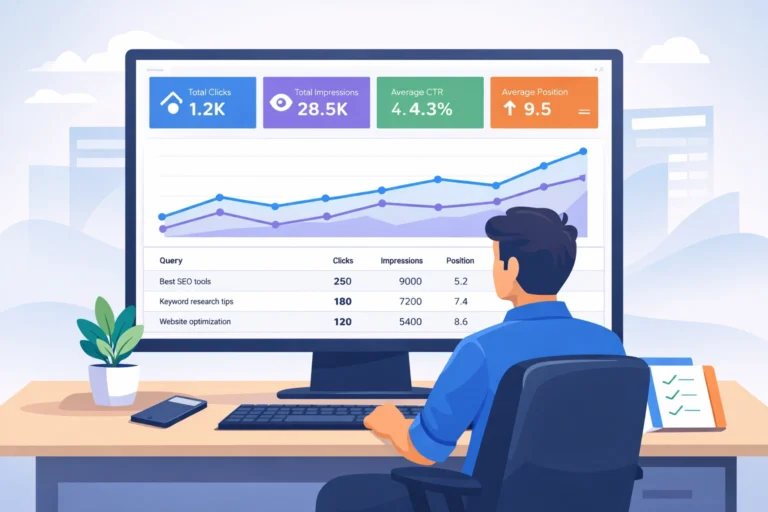

Why Google Analytics Is Important for Businesses
Google Analytics is important because it shows what people do before they buy. It tells you where visitors come from, what pages they trust, and what makes them leave. When you learn how to use Google Analytics 4, you stop guessing. You start fixing the exact leaks in your funnel.
Table of Contents
GA4 also helps when tracking gets harder. Browsers block more cookies. Users choose more privacy. GA4 uses an event-based model and modern privacy controls. That matters even more as search shifts toward AI answers. If you publish content to get cited, it helps to understand AEO (Answer Engine Optimization) and the newer shift toward GEO (Generative Engine Optimization).
Here’s what this really means for a business.
- You can measure user behaviour, not just page views.
- You can check channel quality, not just traffic volume.
- You can build a simple organic traffic checker inside GA4, then improve results with the basics of what SEO is and smarter keyword analysis in SEO.
- You can prove what is working in Google Analytics in digital marketing.
Everything below shows you what to track, where to find it, and how to act on it.
The biggest business problem GA4 solves
Most businesses lose money in three places.
- They pay for traffic that does not convert. This happens often when ads run without clear tracking. If you run paid campaigns, use GA4 with a focused plan like PPC advertising for small businesses.
- They do not know why the leads drop.
- They cannot tie marketing to revenue.
GA4 solves these by connecting actions to outcomes.
- An action is an event. Example: scroll, click, form start.
- An outcome is a key event. Example: lead, call, purchase.
Once you map those, you get clarity.
How to use Google Analytics 4 for real business decisions
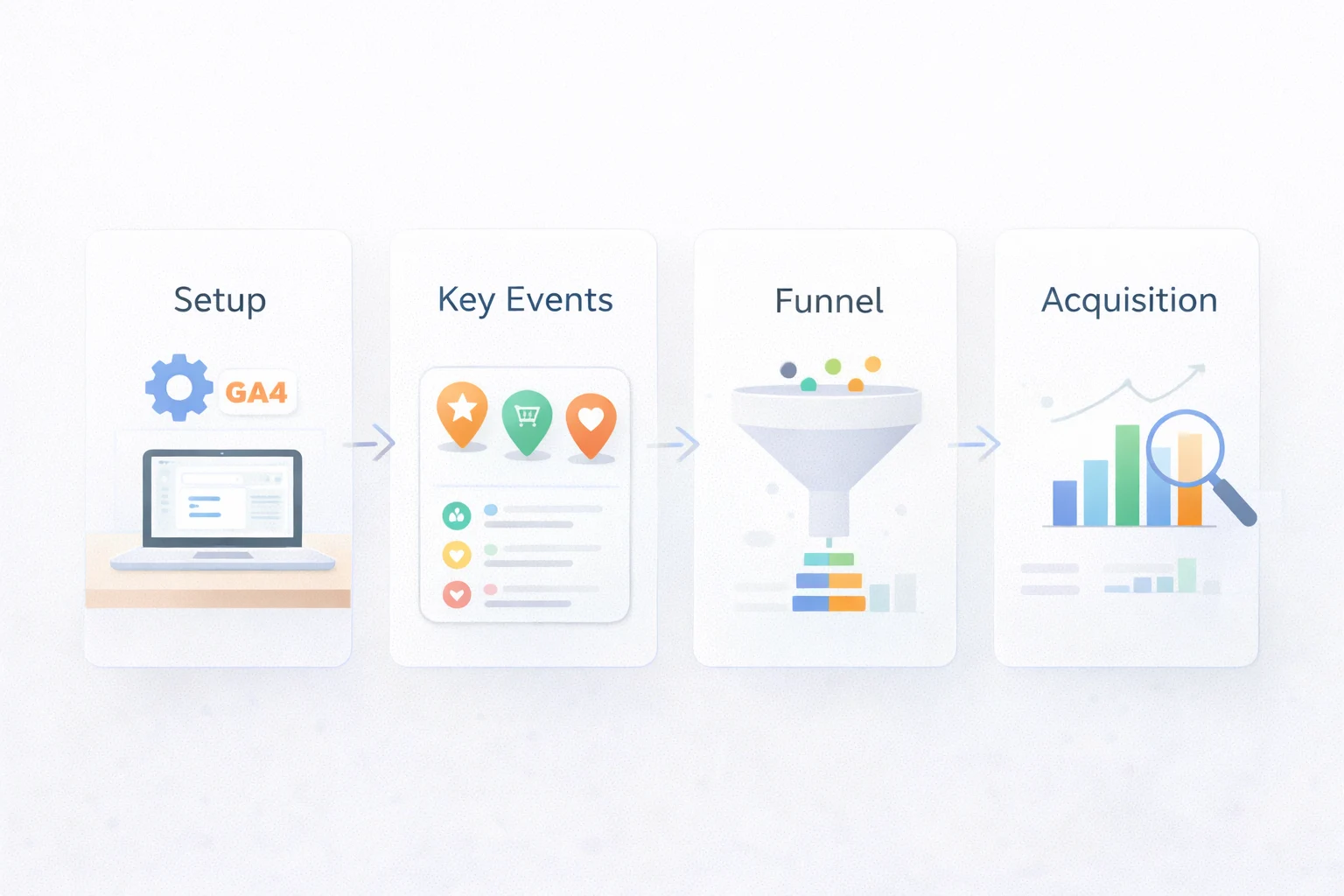
You do not need every report. You need a short system.
Step 1: Set up GA4 the right way
Do these four things first.
- Create a GA4 property.
- Add a web data stream.
- Install the tag using Google Tag Manager or gtag (see Google’s guide to set up Google Analytics in Tag Manager or install the Google tag manually).
- Turn on Enhanced measurement only if it fits your site.
After setup, check the data within minutes.
- Go to Realtime.
- Open your site in a new tab.
- Confirm page_view and basic events.
Step 2: Define your business goals as key events
GA4 renamed conversions to key events. The idea stays the same. Google explains what key events are and how they connect to conversions.
Pick 3–6 actions that signal growth.
- Lead form submit
- WhatsApp click
- Phone click
- Book demo
- Add to cart
- Purchase
Mark each as a key event. Keep it focused. If you need a clean walkthrough, use Google’s steps to create or modify key events.
Step 3: Track what matters between the first visit and conversion
This is where GA4 becomes powerful.
Track micro-actions that predict sales. When you add custom tracking, use Google’s list of recommended GA4 events to stay consistent and report-friendly.
- engaged_session
- scroll depth
- video progress
- pricing page views
- checkout steps
These show intent. Intent tells you where to improve.
Step 4: Use acquisition reports as your organic traffic checker
If you do SEO, you need clear acquisition views. GA4 works best when you pair it with strong on-page SEO and clean tracking foundations from technical SEO.
Use these reports. If you want Google’s official definitions and scope, review the GA4 help page for the Traffic Acquisition report.
- Reports → Acquisition → Traffic acquisition
- Reports → Acquisition → User acquisition
Filter for “google / organic” to isolate organic traffic.
This is the cleanest way to evaluate SEO pages and landing pages.
What GA4 reveals that most businesses miss
GA4 works because it is event-first and journey-first.
Here are high-impact insights you can pull in one week.
1) Which channels bring buyers, not browsers
Look at Traffic acquisition.
Compare channels using these metrics.
- Sessions
- Engagement rate
- Key event rate
- Total revenue or lead count
A channel with fewer sessions can still be your best channel.
2) Which pages build trust
Use Engagement → Pages and screens.
Sort by views, then add a key event filter.
You will usually see three page types.
- High traffic, high-key events
- High traffic, low-key events
- Low traffic, high-key events
Each group needs a different action.
3) Where users drop in your funnel
Use Explorations.
- Funnel exploration for steps.
- Path exploration for journeys.
This shows exact drop-off points.
Fix the step that loses the most users first.
4) What users actually do on mobile
- GA4 makes device analysis easier.
- Create a comparison for mobile users.
- Check page speed issues, form fields, and tap targets.
- Mobile drop-offs are often simple UX problems.
A small table to make GA4 easier
If you feel stuck, use this mapping. It turns business questions into the right GA4 report.
This table reduces noise. It keeps your review focused.
|
Business question |
GA4 report to use |
What to look for |
|---|---|---|
|
Where do leads come from? |
Traffic acquisition |
Source / medium, key event rate |
|
Are new users good quality? |
User acquisition |
First user source, engagement |
|
Which pages drive enquiries? |
Pages and screens |
Key events by page |
|
Where do people drop? |
Funnel exploration |
Step drop-offs |
|
What do users do next? |
Path exploration |
Next steps after key pages |
Why GA4 numbers sometimes look wrong.
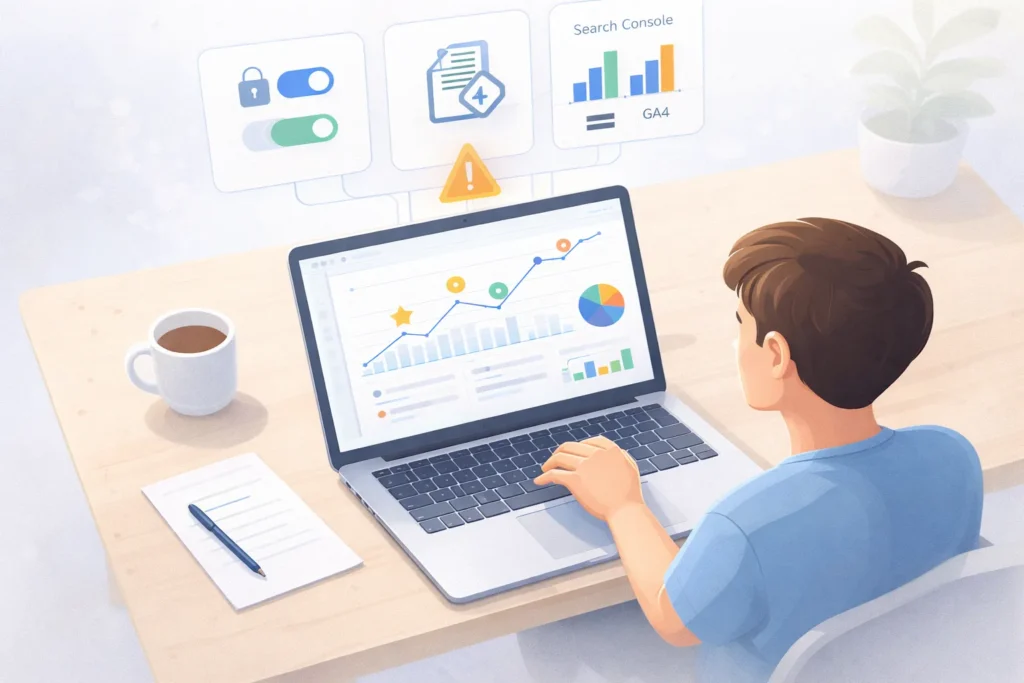
GA4 is reliable, but it is not perfect. Some results depend on the setup.
Data differences are common
You may see GA4 numbers differ from other tools.
- Search Console counts clicks from Google Search. If you want to reduce confusion, connect the tools and review organic search in one place using Google’s guide to connect Search Console to Google Analytics.
- GA4 counts sessions and events on your site.
These are not the same thing. Both can be correct.
Consent and privacy can reduce tracking
If users reject cookies, you lose some signals.
GA4 may use modeling in some cases. That can change totals.
Your tagging can break quietly
Common tracking issues include:
- Duplicate GA4 tags
- Missing GTM triggers
- Cross-domain gaps
- Incorrect referral exclusions
A quick audit prevents months of bad data. Many teams also use a few tools to double-check tags, speed, and content performance. Here’s a practical list of best SEO tools you can use alongside GA4.
E-commerce needs extra care
E-commerce tracking needs consistent event names.
If item_id or value is missing, revenue reports will look wrong.
Brand Take: the GA4 mistake we see every week
Most teams ask the wrong question.
They ask, “How much traffic did we get?”
Traffic is not the goal. Outcomes are.
At Digirank, we treat GA4 like a decision system.
- We start with business goals.
- We define a short set of key events.
- We build one dashboard per decision.
- We review weekly, then act fast.
This approach avoids vanity metrics. It also keeps teams aligned.
Here is the simple rule we use.
If a metric cannot change a decision, we do not track it.
That single rule makes GA4 feel less complex.
Why GA4 is the default analytics stack now
- Older analytics focused on sessions and pageviews.
- GA4 focuses on people and actions.
- It also supports a cross-platform view. That includes web and apps.
- Privacy rules also changed the measurement landscape.
- Browsers restrict cookies more now. Users expect control.
GA4 includes privacy controls like data retention settings, consent signals, and modeled insights. This is why Google positions GA4 as its modern analytics platform.
Your first week in GA4: a simple 7-day plan
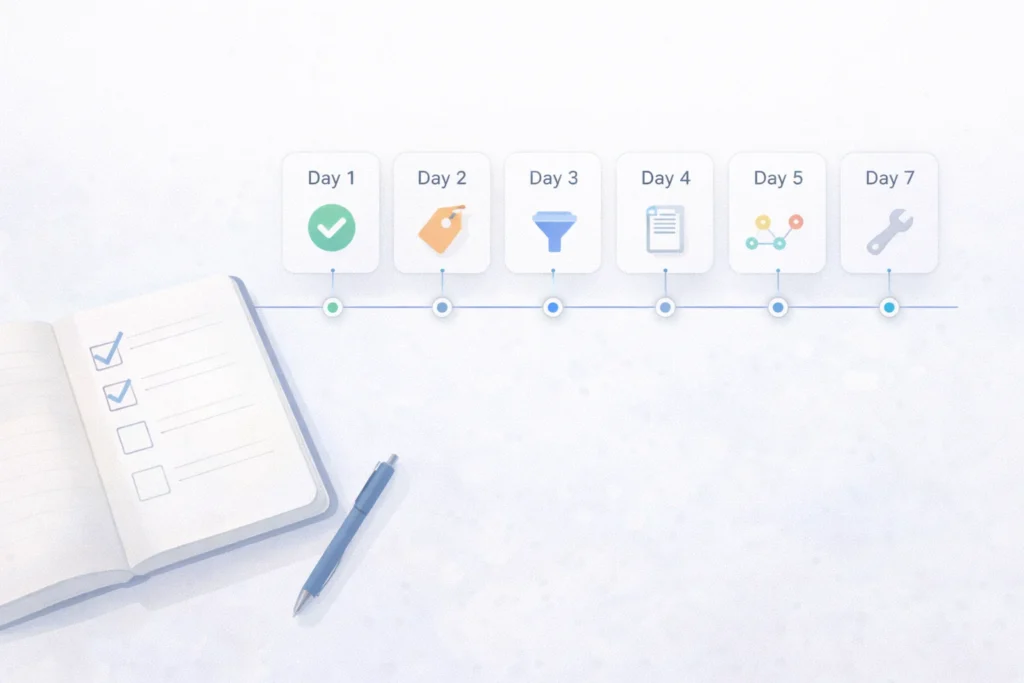
Use this to move from setup to insights.
Day 1: Confirm data quality
- Check Realtime.
- Verify page_view events.
- Confirm your main key event fires.
Day 2: Clean up channel tracking
- Standardise UTM parameters.
- Fix inconsistent source names.
- Ensure email and WhatsApp tags work.
Day 3: Build an organic traffic checker view
- Open Traffic acquisition.
- Filter for Google / organic.
- Save a comparison.
Day 4: Review user behaviour by page
- Open Pages and screens.
- Find top landing pages.
- Check engagement and key events.
Day 5: Identify a funnel leak
- Create a Funnel exploration.
- Add 3–5 steps.
- Locate the highest drop-off.
Day 6: Investigate the drop
- Use Path exploration.
- Check device split.
- Review form friction.
Day 7: Make one change
- Improve one page.
- Simplify one form.
- Fix one tracking error.
Then measure again next week.
LSI terms you should know (and use)
These terms help you understand GA4 faster.
- Event tracking
- Conversion tracking
- Engagement rate
- Attribution
- UTM parameters
- Funnel exploration
- Path exploration
You do not need to master them all today. Start with events and key events.
Quick answers people ask about GA4
1) What is Google Analytics 4 used for?
Google Analytics 4 is used to track website and app activity. It shows where users come from. It also shows what they do before they convert.
2) How do I set up Google Analytics 4 on my website?
Create a GA4 property in Google Analytics. Add a web data stream. Install the tag using Google Tag Manager or gtag. Then confirm data in Realtime.
3) How do I track conversions in Google Analytics 4?
In GA4, conversions are called key events. First, create or capture the event. Then mark it as a key event in the Admin area.
4) How can I check organic traffic in GA4?
Go to Reports, then Acquisition, then Traffic acquisition. Search or filter for “google / organic”. This view works like an organic traffic checker.
5) Where do I see user behaviour in GA4?
Go to Reports, then Engagement, then Pages and screens. Use Explorations for deeper paths and funnels. This is the best place to study user behaviour.
6) Why does GA4 traffic not match Search Console?
Search Console measures Google Search clicks. GA4 measures sessions and events on your site. Different tools count different actions, so numbers will differ.
7) Is Google Analytics 4 free for businesses in India?
Yes, GA4 has a free version that suits most businesses. Large enterprises may use Analytics 360 for higher limits and support.
8) How long does GA4 take to show accurate data?
Real-time data appears within minutes. Standard reports can take up to 24 to 48 hours to finalise. Trend decisions work best after a few weeks.
Turn GA4 insights into measurable growth
GA4 is only useful when it leads to better action. If your reports do not match reality, you waste time, budget, and trust. A clean setup helps you see which channels bring qualified leads, which pages move users forward, and where conversions break.
That is when you can improve content, fix funnel drop-offs, and scale what is already working. Digirank can audit your GA4 and fix tracking blockers. If you want a clear plan to turn these insights into rankings and leads, explore our SEO services in Bangalore.